Why use a CSV file for bulk email?
A CSV file is one of the simplest ways to move a customer list from a spreadsheet, CRM export, registration form, or ecommerce platform into an email campaign. It keeps each recipient on a separate row and lets you add personalization fields such as first name, company, city, or membership type.
The main challenge is not uploading the file—it is making sure the data is clean enough to send. Duplicate contacts, empty cells, hidden spaces, and malformed addresses create failures and waste campaign budget. A good CSV email workflow validates the list before anything enters the sending queue.
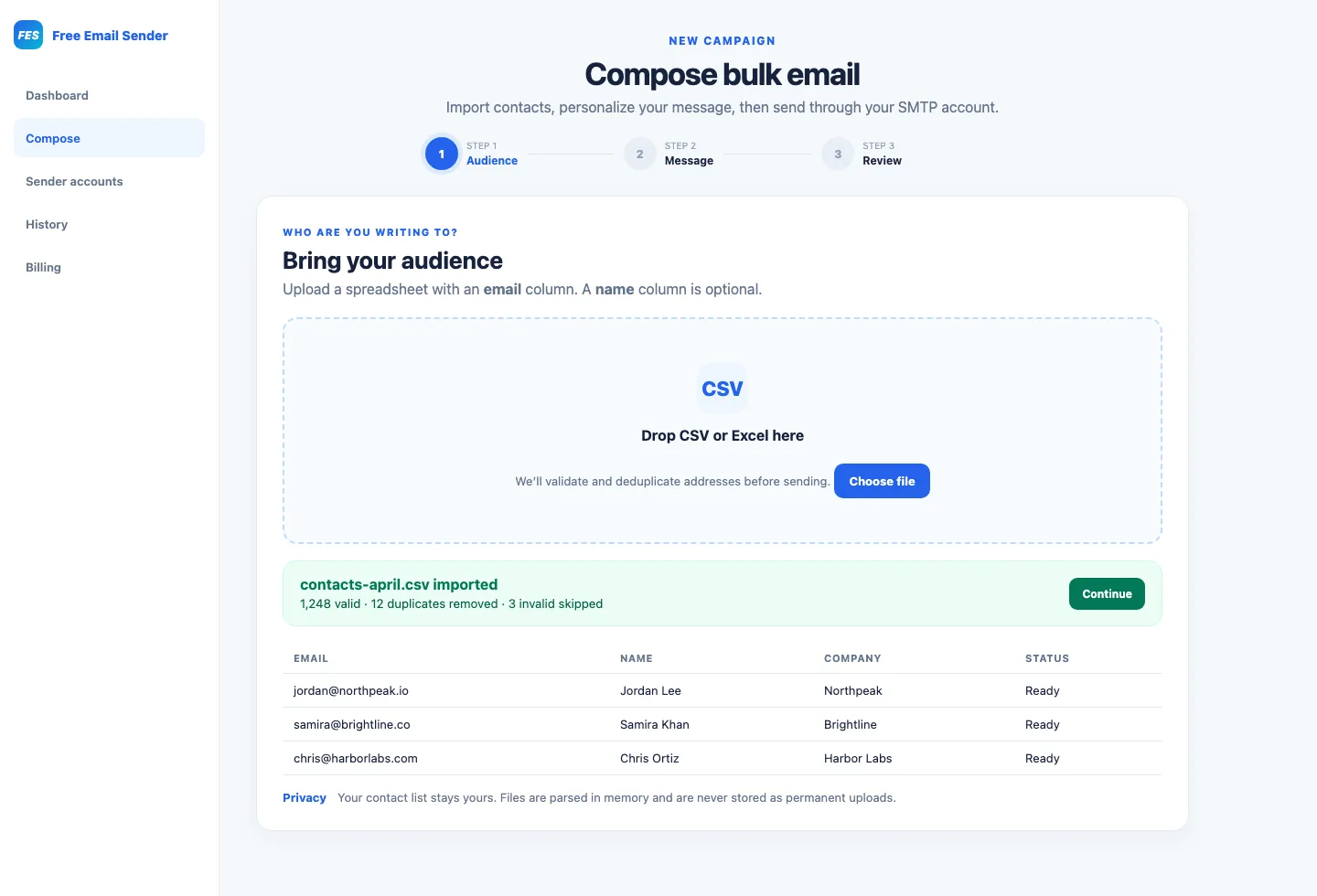
Prepare your contact spreadsheet
Use a clear header row and keep one type of information in each column. An email column is required; a name column is useful for personalized greetings. Save the finished spreadsheet as UTF-8 CSV so international names and punctuation remain readable.
- Use simple headers such as email, first_name, and company.
- Remove contacts who unsubscribed or never gave permission.
- Delete blank rows and obvious test data.
- Keep a backup of the original file before cleaning it.
Validate and deduplicate email addresses
Syntax validation catches common problems such as missing @ symbols, incomplete domains, and accidental spaces. Deduplication prevents the same person receiving the campaign twice. Validation cannot guarantee that every mailbox exists, but it removes avoidable errors before sending and makes recipient-level failure reports easier to interpret.
Personalize without exposing recipients
A professional bulk email tool should create an individual message for each recipient instead of placing the entire list in To, CC, or BCC. Individual delivery protects recipient privacy and allows template variables to be replaced with the correct contact data. Always include a sensible fallback, such as “Hello there,” when a name is missing.
Review, test, and send
Send a test message to yourself, check the subject and links, and preview the personalized content. Confirm the sender identity and campaign price before starting. After launch, monitor queued, sent, and failed counts. Fix invalid contacts rather than repeatedly retrying permanent failures.
CSV bulk email checklist
The safest process is permission first, clean data second, useful content third, and measured delivery last. This sequence reduces mistakes and protects both recipients and your sender reputation.
- Permission-based contacts only
- Validated and deduplicated CSV
- Recognizable sender name
- Tested links and personalization
- Clear opt-out instructions
- Recipient-level delivery review